
Built by tradespeople for tradespeople
Run the whole job from your phone.
Built for the van, not the office
Enquiries, quoting, scheduling, job costs, materials, invoicing, payment collection and business reports in one simple app. Send a professional quote in minutes, buy materials at the best price, get paid on time, and keep clean records for sole-trader or limited-company accounts.
- to set up your account
- 5 min
- to set up your account
- for a customer to accept a quote
- 1 tap
- for a customer to accept a quote
- for every job, payment and photo
- 1 place
- for every job, payment and photo

Quote accepted — £4,850
Bathroom refit, Mrs Barlow
See the whole app in a few minutes
A real walk through the app — the enquiry landing with photos, the quote, the deposit, stages and hours, merchant prices, the customer's job plan, one-tap invoicing and your tax figures — then the built-in helper that answers your questions, writes your chase-up messages and your first reply to a new enquiry. Turn the sound on.
From enquiry to payment, in five steps
One straightforward process for every job — all from your phone, whether you're in the van, on site or at home.
- 1
Receive the enquiry
Customers send photos, details and requirements through your own enquiry link — or you log a lead yourself in under a minute.
- 2
Quote in minutes
Build a branded, itemised quote from your day rate, materials and terms. It's with the customer the same day.
- 3
Customer accepts online
They review a clear quote and accept with one tap. Nothing to print, post or chase — the job is created instantly.
- 4
Manage the work
Schedule, stage photos, voice notes, receipts and hours are all filed against the job — with payments collected as each stage completes.
- 5
Invoice and get paid
Invoices include a one-tap payment link and automatic reminders. When the job's done, request the review that wins your next one.
Made for the working day
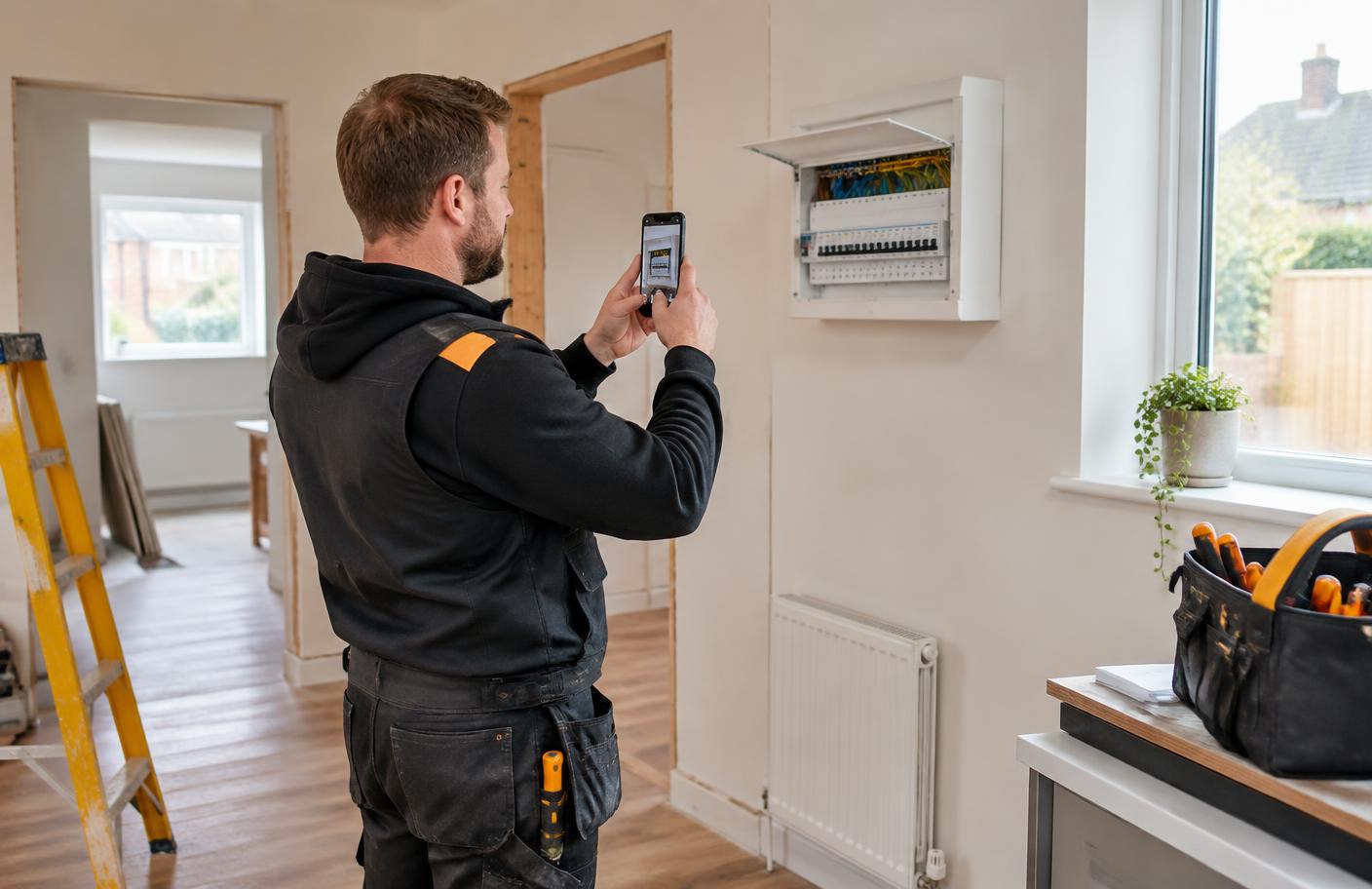
Capture it while you’re on site
Photograph the work, speak your notes, log the hours and keep every receipt with the right job. The office work is already organised before you leave.
Why tradespeople choose Trade Hub Pro
Five ways it pays for itself — in time saved, money kept and work won.
Save hours every week
Quoting, receipts, invoices and reminders handled in minutes, not evenings. Less paperwork, more time on the tools.
Keep more of what you earn
Compare supplier prices, capture every expense and see the true profit on each job — so nothing quietly slips away.
Look the part
Branded quotes, clear invoices, documented work and customer reviews behind you. You present like a firm twice the size.
A better customer experience
One tap to accept, one tap to pay, photos along the way. Smooth enough that customers recommend you without being asked.
Simple by design
Five main buttons, large touch targets and plain English throughout. Set up in five minutes and running the same day.
Everything your business needs, in one place
Twenty-three practical systems covering the whole job — from the first enquiry to the final payment, customer follow-up and year-end records.
Enquiries with photos
Customers send images and details through your own enquiry link, so you can price accurately before you travel. Everything they sent stays on the job for good.
Site visits booked by the customer
Offer up to three dates and send the link. The customer picks the one that suits and it lands straight on your calendar with their address and number.
Professional quotes in minutes
Branded, itemised quotes built from your own rates and materials — ready to send the same day, accepted with one tap.
A job plan your customer can read
Once the job's planned, send a clear written plan: the stages, visit dates, when each payment is due and the finish date. No confusion, no chasing calls.
Deposits, stages and final balance
Set the amount and send it now or schedule the date it goes out. Your bank details and pay link are filled in automatically.
Your own payment page
Customers get clear instructions, your account details and a Payment made button. The moment they tap it, you're told the money is on its way.
Best price on materials
Search any item to see what the big merchants typically charge, cheapest first, with a tap through to buy. Scan a receipt and it logs itself.
Costs and money owed, split apart
Hours and material receipts on one tab, what's still owed on another. You always know the real profit on a job.
Photos and voice notes on site
Before, during and after photos plus hands-free voice notes, filed to the right job and stage — evidence if there's ever a question.
Completion sign-off
The customer confirms they're happy and signs the work off online, or flags anything outstanding. Proof the job was finished properly.
Reviews and showcases
Ask for a review in one tap, then turn finished work into a shareable project page with photos. New customers see your quality before you visit.
Clear business reporting
Income, costs, profit per job and quote success rates — export everything for your accountant in one tap.
Keep in touch, win repeat work
A friendly check-in a month after every job is paid, and a Christmas list for everyone on your books. Messages are written and ready to send; automatic email follows when the sending address is connected.
Speak instead of typing
Dictate enquiry details, addresses, quote descriptions, terms, estimates, milestones, expenses, photo notes and safety wording. The app shows what it heard before saving.
Sole-trader tax-year summary
Choose a 6 April to 5 April tax year and see turnover, allowable expenses and net profit, with every recorded receipt and payment ready to download.
Safety paperwork in one tap
A written risk assessment and method statement for the job, drafted for you and ready to edit, save and share — the paperwork bigger firms ask for.
Limited-company reports
Set the company year end and produce a matching accounting-period report with turnover, recorded expenses, trading profit and itemised records for your accountant.
A calendar that knows the job
Site visits, starts, milestones and payment dates appear with the customer's name, work, address and contact details. Add meetings, merchant runs and days off too.
An AI helper on every page
Ask “how do I send a quote?” in normal words and get short steps plus a button straight to the right page. No manuals, no guessing — useful from the very first day.
Tell it, don't type it
Say or type “log six hours on the Barlow job” or “spent £45 on plaster” and it fills the right box for you. You check the card and tap Save it — nothing is saved behind your back.
Messages written for you
The app spots the invoice nobody has paid, the quote that has gone quiet and the stage starting this week, then writes the message. Read it, tweak it, send it by WhatsApp, text or email.
First reply to every enquiry
New enquiry in? It drafts your reply from what the customer actually sent, says what happens next and lists what they forgot to tell you. Look keen and professional in seconds.
Plain-English answers about your money
“Was last month better than the one before?”, “which job made me the most?”, “where is my money going?” — answered in a sentence from your own figures, no spreadsheets.
A professional finish
Leave every customer confident
Share the plan, agree each stage, collect the final sign-off and ask for a review. Customers always know what’s happening, what’s due and what was completed.

Coming next
From clean records to guided filing
These systems are planned, not live filing features. They will be introduced only with the checks, approvals and recognised connections needed to submit safely.
Guided Tax Centre
A step-by-step check of VAT details, expense categories, capital purchases, mileage and missing records, with every figure traced back to its source before filing.
Approved filing connections
Planned links for straightforward VAT and company submissions through approved services, followed by sole-trader filing when HMRC opens access to new products.
Current tax and company reports organise the records entered in Trade Hub Pro. They do not yet file Self Assessment, VAT, statutory accounts or Corporation Tax returns.
"I quoted a bathroom refit from the customer's photos before I'd left the drive. She accepted on her phone that same evening."
Lee Gilbert
Gilbert Electrical Ltd
Recommend it to a colleague
Share your referral code with a fellow tradesperson. When they join, you earn a free month — and they get their paperwork under control too.
Set up in five minutes
Enter your business details and prices, and you're ready to send your first quote today. No training, no setup fees.
Create your account